Let the computer work for you
Software that thinks along with you — and a whole new way to create, experience and truly own media.
Tsukura comes from the Japanese word tsukurare — which roughly means "to let someone do something." And that is exactly the heart of our idea: we build programs that really let the computer do something for you. Not as a silent tool that waits for you to perform every single step yourself — but more like a colleague who takes work off your hands.
We believe in a new kind of teamwork: people and computers working together, rather than side by side. And for us that explicitly does not just mean "even more artificial intelligence." Often the most helpful support is something quite unassuming that is simply there when you need it.
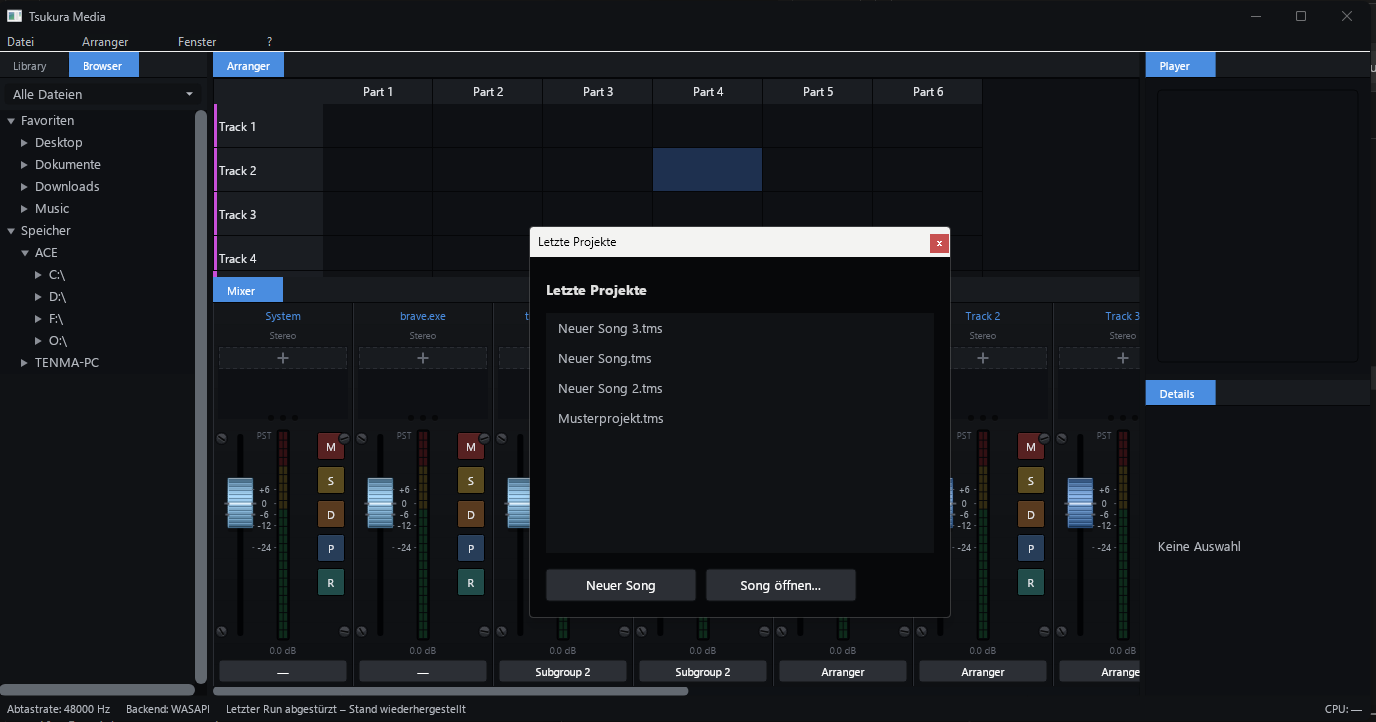
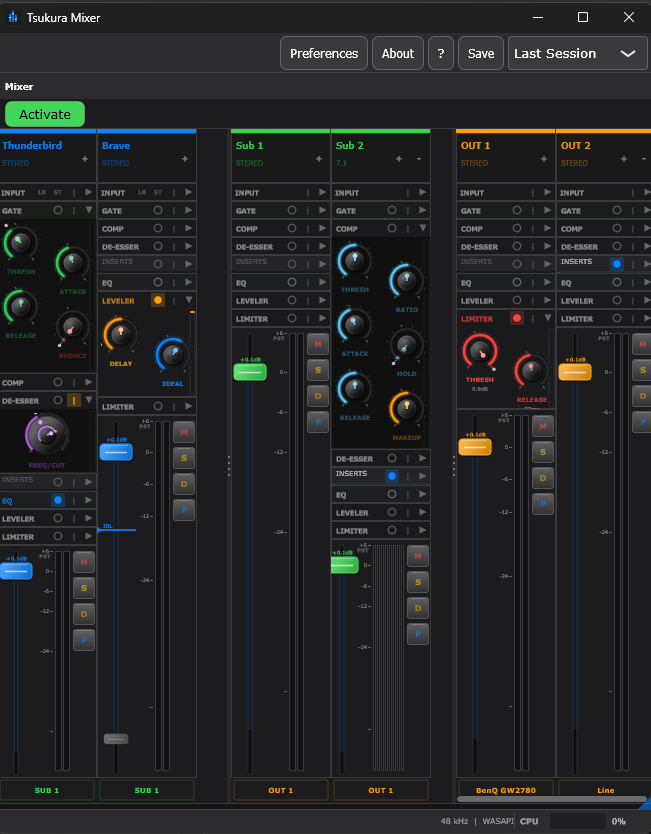
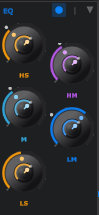
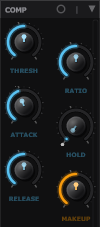
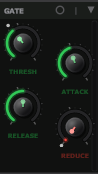
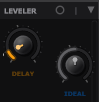
A little everyday example: in our mixing program there is a feature called Autoduck. Imagine a recording with several speakers — a podcast, for instance. Normally you would have to keep pulling the volume sliders by hand so that the right speaker is always easy to hear. Autoduck does this all on its own: whoever is speaking comes to the front, everyone else gently steps into the background. You no longer have to adjust anything. The computer takes over the fiddly work, and you keep your head clear for what matters. That is Tsukura in miniature — and this very idea runs through everything we build.
Tsukura Media is our program for sound, music and media. But — and this matters to us — it is not meant to replace the programs you may already know and love, such as a music studio program or a video editor. It replaces nothing. It adds something new on top and opens up possibilities that simply did not exist before.
The key difference is easy to explain: today a song is a single file that always plays the same way from beginning to end. Like a tin can — exactly the same every time. With Tsukura, an artist builds their song not as one rigid piece, but out of many individual building blocks — little snippets. Alongside them, the artist sets rules by which these building blocks assemble themselves anew each time they are played. That turns a tin can into something alive, something that can be a little different every time you hear it — exactly as the artist intended.
And this applies not only to music. The same goes for videos. The same goes for images. Tsukura Media is the place where works come into being in an entirely new way — and, right away, are experienced in a new way too.
The core behind this liveliness is what we call the TsukuraRuler. Put simply, it is the part that knows a work's rules and carries them out.
Here is the exciting part: if the artist allows it, you as a listener may later turn a few knobs yourself. Imagine simply telling your playback program:
"Keep playing me this song endlessly — I just want to stay in it right now."
"Give me the karaoke version, I want to sing along."
"Leave out the bass — I'll play it myself on my instrument."
"Play me only the calm parts to fall asleep to."
To make all of this work and be shareable, we invented a new kind of file: the .media file. Think of it like a digital treasure chest.
Into this one file fits everything that belongs to a work: the music or the video, the cover image, an entire picture gallery, the lyrics, subtitles, a soundtrack, even translations in several languages — and of course the building blocks and rules from before. Simply everything in a single place, instead of scattered across twenty files. A .media file can be a whole album, a whole movie, a whole book — complete, in one piece.
But .media can do something else that has never existed in this form: a new kind of ownership is built into every file.
An artist creates their .media file with Tsukura Media and can then sell it or give it away. And now comes the important part: whoever buys the file really receives a right of ownership to it — just as if you had a record sitting on your shelf that belongs to you. This right of ownership is recorded in a doubly secure way: once in the file itself and once on the internet — both at the central place where the work was sold and distributed across many computers in the community (experts call this a "P2P network," but you don't need to notice any of it — it simply makes sure that your ownership doesn't depend on any single place).
Because it is a genuine right of ownership, you can later resell or bequeath it too — just like your record. So that no one can cheat in the process, ownership is recorded in a tamper-proof way (using the same proven technology that also lies behind digital currencies — called "blockchain"; but that, too, runs in the background, entirely without you having to deal with it).
In short: this is about real ownership, not about being patronized. You are not buying a permission that can be taken away from you again at any time. You truly own your work. And no worries for the artists: copyright — that is, the question of who the work originally belongs to — naturally always stays with the artist. Only the right of ownership to your copy is transferred.
The wonderful thing: .media isn't only for brand-new works. You can also convert an already existing work into a .media file quite easily — and just like that it comes with a right of ownership and is safeguarded. Your entire body of past work, protected, without you having to redo anything.
A work doesn't have to be "finished" forever. With .media, an artist can later add new content to an already published work — much like an extra chapter added to a book (in the gaming world this is known as "DLC," that is, downloadable additional content). The original stays untouched in the process.
Imagine: a musician later releases an orchestral layer for their song — and suddenly the plain piece becomes a grand symphonic version that you can bring in. A filmmaker adds new spin-off chapters to their film. A band follows up with a live recording, an acoustic version or a look behind the scenes.
This way a work stays alive and keeps growing over the years. For you as the owner, that means: what belongs to you grows ever richer over time. For the artists, it means: they stay connected with their audience and can nurture and expand their work for a long time. A living album, a living film — this idea simply hasn't existed in this form until now.
And finally, the TsukuraLibrary with its playback program — your home for all your media. Here one thing is especially close to our hearts: at first glance the whole thing looks to you exactly the way you have long known it — a modern, beautiful playback program, just like the big streaming services where you listen to your music. No relearning, nothing complicated. The only difference: this one can also play .media files.
And that is on purpose. Many people will simply get the player and library because they look lovely and are pleasant to use — and only afterward discover that their media takes on a whole new quality with it. So Tsukura essentially advertises itself all on its own: through the product itself, not through expensive campaigns.
Beneath this familiar surface, though, there is much more. With the library, anyone can build up their entire own media collection. It gathers all the information about your works in one clear place and makes them easy to find — and in the background the users' computers help one another keep the collection safe (that, too, is this "P2P network" again, but you don't notice any of it).
Through the library you can also give away and sell .media works. Because your own collection thereby becomes something truly valuable — almost like a digital purse, though it doesn't hold any abstract money, but rather real works with real value that belong to you (tech people would say "Wallet" here — but behind it lies simply this: your collection has real value).
And it can do something that literally takes your worries away: a worldwide safety net. If you are registered as the owner of a work and the file somehow gets lost — accidentally deleted, or the hard drive gives up the ghost — then the library can find your work again at any time and simply brings it back into your collection. Even if your entire computer breaks: your ownership isn't gone. Nothing is lost.
What has been built so far — the honest effort behind the project.
Hand-written source files
Lines of code (C/C++)
Total project size
Languages on this page
Measured against the entire project — including the embedded graphics engine and full version history.
WordPress
React node_modules
Linux-Kernel
Chromium
Tsukura isn't simply "yet another app that does something a little better." We are building a whole interplay of programs around a single big idea:
living works made from building blocks and rules instead of rigid tin cans. And works that keep growing over time.
works that adapt to you, within what the artist allows.
digital media that truly belongs to you: shareable, inheritable, safeguarded and never lost.
And above it all stands the idea it all began with: let the computer work for you. Programs that think along with you, take the tedious chores off your hands and leave you the important things — from the little Autoduck in the mixer to the big, real ownership of your favorite works.
That is Tsukura. We are building it right now. Come along on the journey.
Our programs are still in development. If you'd like to help, get in touch at:
yanco@tsukura.media